Some links on this page are affiliate links. If you buy through them, we may earn a commission, at no extra cost to you. That does not change the verdict. Read the full disclosure
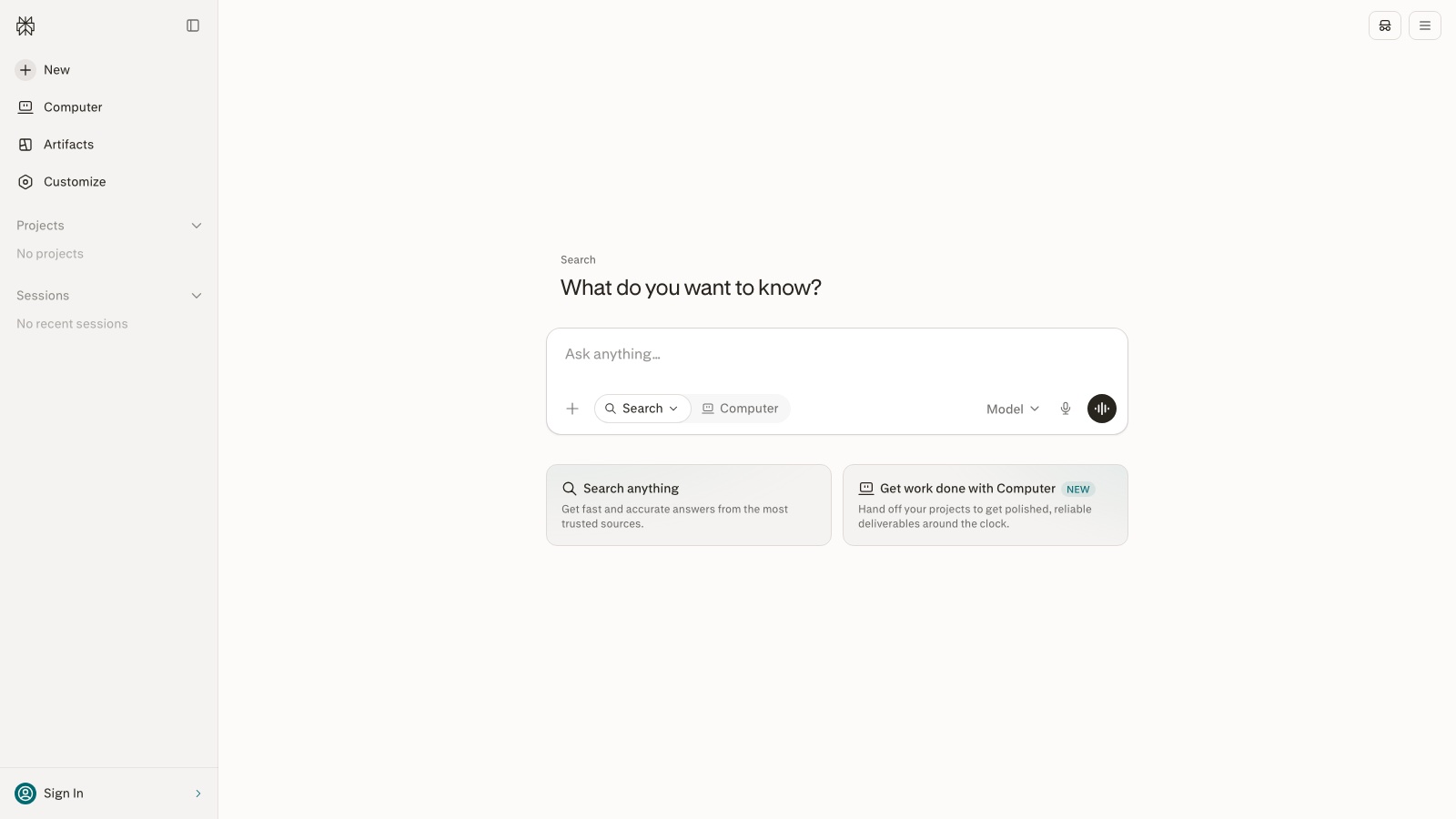
Perplexity · Cited search
Perplexity
Search with a written answer and citations. Use it to brief, not to cite blindly.
Official link. There is no affiliate program for this tool yet.
What it actually is
Perplexity mixes a search engine and a model that summarizes with links. It is the right shortcut when the job is «what was published, who said it, and of what date». It is not where you write the final piece you will publish. That happens later, with sources already open.
The usual failure is copying the summary into a report. The useful method is to narrow the question, demand date and geography, open at least two primary sources, and write down what the model could not back.
What it does well
- Answers with numbered references
- Focus filters (academic, web, and others depending on plan)
- Threads / collections for a topic that lasts days
- Web and mobile apps
- Pro mode with more searches and models
Pros
- Citations sit next to each claim
- Fast map of a topic with dates
- A healthy habit of asking «according to which source»
- More honest than a chat that pretends it already knows
Cons
- Citations sometimes point to a recap, not the original study
- The summary flattens nuance and disagreement
- The free plan runs out if you research every day
- It cannot see internal docs unless you paste them
Who it is for
- A 20-minute brief with clickable sources
- Checking a figure or a claim before you write
- People new to a topic who need the map, not the essay
Who it is not for
- The final article or email (move to ChatGPT or Claude with your notes)
- Academic or legal work that needs the primary source in your hand
- Topics locked behind paywalls or internal reports Perplexity cannot see
FAQ
- Can I cite Perplexity in a piece?
- Not as a source. Cite the article, report or database you opened. Perplexity is the path, not the reference.
- Does it replace Google Scholar or an analyst?
- No. It speeds up the first map. Scholar, the PDF and your judgment are still the real work.
Related tutorials
How to research with Perplexity without pasting the summary (2026)
Narrow the question, open two primary sources and write down what the model could not verify.
Perplexity
How to write a first useful draft with ChatGPT in 2026
A short method: deliverable, audience, format and constraints. Three variants. You pick. Then you save the prompt.
ChatGPT
How to brief Claude for a long document (2026)
Do not ask for «write a 20-page report». Brief first, approved outline second, one section per message after that.
Claude
Perplexity Collections (now Projects): reusable research workspace (2026)
Day two after researching with sources: one Project per topic, threads saved with intent, and a brief that does not treat the chat as truth.
Perplexity
How to choose a text model for your job (2026)
Before you open a chat, name the real job. Seven practical criteria and a test prompt to confirm you chose well.
ChatGPT
How to use Grok on grok.com without mixing it up with Grok Bot (2026)
Open grok.com, ask a dated question, demand a fact/opinion split and keep the angle. Write the deliverable elsewhere.
Grok
How to edit a long piece with Claude without losing the voice (2026)
Do not ask it to «rewrite this». Diagnose, declare the voice, edit by section and flag inventions.
Claude
Similar alternatives
ChatGPT
Text
The most widely used AI assistant for drafting, thinking and building a first workflow.
Claude
Text
The assistant that holds long pieces together without fully flattening the voice.
Notion AI
Productivity
AI inside the wiki you already use. It drafts where the work lives, not in another chat.