Some links on this page are affiliate links. If you buy through them, we may earn a commission, at no extra cost to you. That does not change the verdict. Read the full disclosure
Anthropic · Long-form writing and documents
Claude
The assistant that holds long pieces together without fully flattening the voice.
Official link. There is no affiliate program for this tool yet.
What it actually is
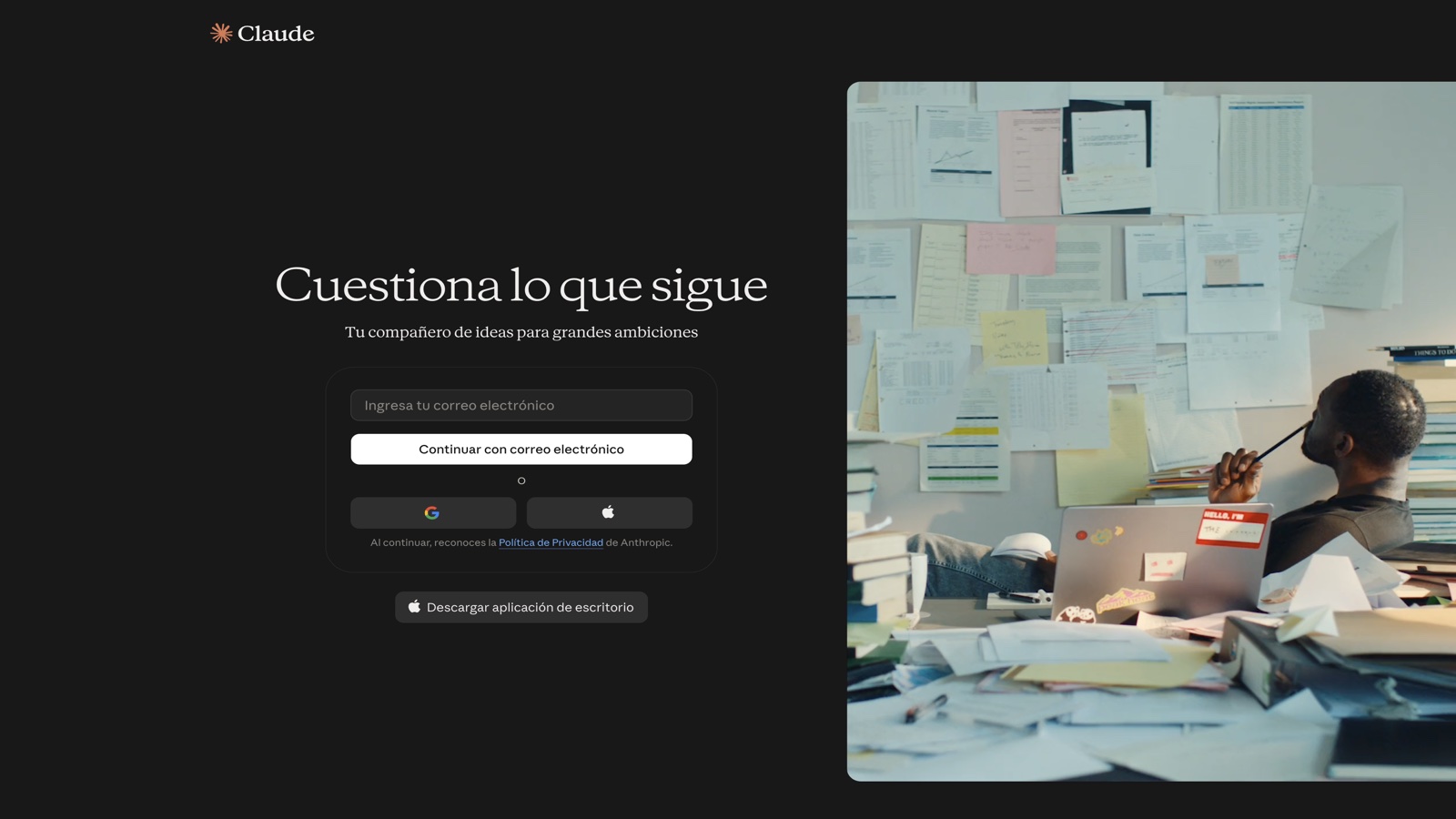
Anthropic’s Claude is at its best on a whole document: rewrite, layered edit, tone and structure. If ChatGPT is the daily generalist, Claude is the one that sounds less like default AI — when you give it real context and ban the easy adjective.
It is not magic. «Rewrite this» with no audience and no keep-list still yields generic prose. The method that works is layered — structure, then paragraphs, then sentences — plus a voice sample pinned at the top.
What it does well
- Wide context window for whole documents
- Projects to store voice, samples and constraints
- Strong at following tone and format instructions
- Web, desktop and mobile apps; API for products
- File analysis (PDF, docs) on plans that include it
Pros
- Holds tone better on long pieces
- Follows a voice sample well
- Strong at editing, not only generating from scratch
- Less tempted to pad with slogans
Cons
- The free plan is tight if you edit documents every day
- Search and mini-app ecosystem are smaller than ChatGPT’s
- If you do not give it the full text, it fills the gap with the same confidence
- It does not replace a human pass on figures and proper names
Who it is for
- People who rewrite full articles, reports or newsletters
- Teams that have a brand voice to protect
- Editing an existing PDF or doc, not a loose idea
Who it is not for
- An 80-word email (ChatGPT is enough)
- Search whose first deliverable is clickable citations (Perplexity)
- Touching a repo with diffs — use Cursor
FAQ
- Is it better than ChatGPT for writing?
- For a short email, it barely matters. For a 1,500-word piece with a voice, Claude usually keeps judgment better if you give a sample and edit in layers.
- Can I paste a PDF and trust it?
- You can paste or upload it. Do not trust quotes or figures you cannot point to in the original. Ask it to flag anything that is not in the document.
Related tutorials
Claude Artifacts: from idea to a usable prototype (2026)
Turn an idea into a small interactive app inside claude.ai: clear spec, preview, iteration, and output ready to demo or copy.
Claude
How to edit a long piece with Claude without losing the voice (2026)
Do not ask it to «rewrite this». Diagnose, declare the voice, edit by section and flag inventions.
Claude
How to write a first useful draft with ChatGPT in 2026
A short method: deliverable, audience, format and constraints. Three variants. You pick. Then you save the prompt.
ChatGPT
ChatGPT Projects: your first context workflow (2026)
Define the purpose, create the project, set instructions, upload references and work inside the project — not in a chat that forgets the brief every Monday.
ChatGPT
How to brief Claude for a long document (2026)
Do not ask for «write a 20-page report». Brief first, approved outline second, one section per message after that.
Claude
How to choose a text model for your job (2026)
Before you open a chat, name the real job. Seven practical criteria and a test prompt to confirm you chose well.
ChatGPT
ChatGPT alternatives: when to try Claude or Grok (2026)
Same brief in three chats. Choose by job type — not headlines — and save a personal rule for when to open each one.
ChatGPT
Notion AI: meeting notes you can actually use (2026)
Use Notion AI on the meeting page: decisions, owners, dates and open questions. Delete the invented parts and assign on the same doc.
Notion AI
Claude Projects: your first context workflow (2026)
Define the purpose, create the project, set instructions, upload knowledge and work inside the project — not in a chat that forgets everything.
Claude
How to research with Perplexity without pasting the summary (2026)
Narrow the question, open two primary sources and write down what the model could not verify.
Perplexity
Similar alternatives
ChatGPT
Text
The most widely used AI assistant for drafting, thinking and building a first workflow.
Cursor
Code
An IDE with agents that touch the repo. The real work is reviewing the diff.
Perplexity
Research
Search with a written answer and citations. Use it to brief, not to cite blindly.