How to use Grok on grok.com without mixing it up with Grok Bot (2026)
Grok is xAI’s chat at grok.com. It is not Grok Bot: no teammate, no Agent Computer, no job running on a VM. This flow takes 14 minutes and is for a direct first read of something recent, not for publishing a piece.
The problem it solves
People search «Grok», land in the chat and expect a teammate with a computer — or the reverse: they install Grok Bot to «ask one thing». Mixing the two profiles wastes the plan and the judgment. This tutorial is the chat only.
What you will learn
- Confirm you are on grok.com and not in Grok Bot
- Write a question with a date and an exclusion
- Ask for a fact / estimate / opinion split
- Contrast the angle with ChatGPT or Perplexity
- Refuse to publish figures Grok did not back
Before you start
- A browser on grok.com (the free plan is enough for one round)
- A real question today, not «explain AI»
- 14 minutes. If you need a teammate with a machine, close this and open the Grok Bot tutorial
Steps 1
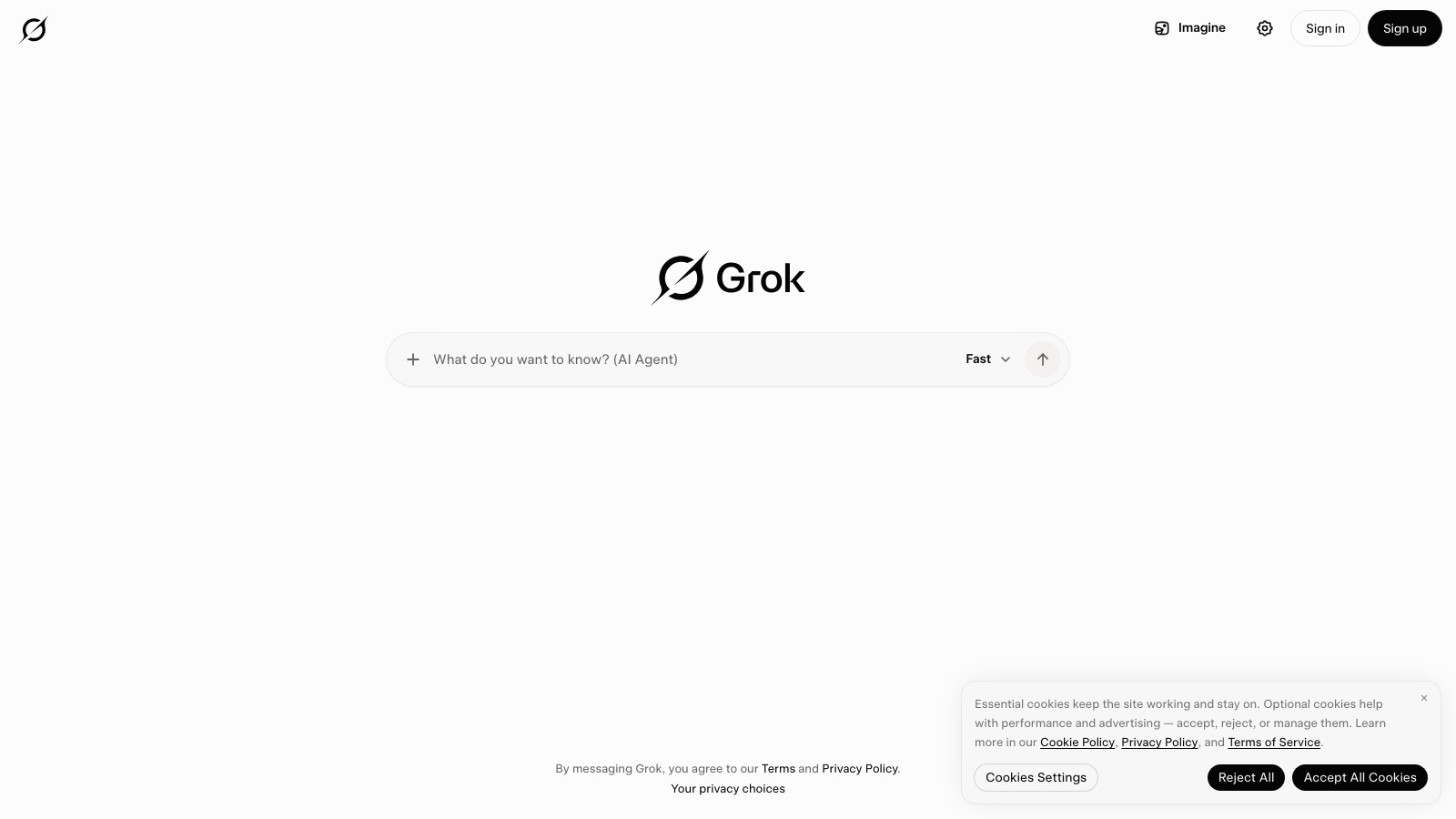
Confirm the URL: grok.com, not the Grok Bot app
Look at the address bar. It must be grok.com (or the Grok chat mobile app). If you see «Agent Computer», a named teammate or Cursor/Bot onboarding, you are in the other tool. Close it. This flow does not use delegated logins or a VM.
What you should see: A chat window on grok.com. No remote-machine panel. No teammate list.
Steps 2
Write a dated question, not a topic
Instead of «what’s up with X», ask «what was published in 2025–2026 about X in dated outlets, and what is rumor». Add an exclusion («no anonymous threads», «no engagement counts»). One question. A new chat.
What you should see: 2–4 lines in the composer, with a year and an exclusion, before you send.
Steps 3
Ask for a fact / estimate / opinion split
Send and, in the same sentence, ask for three labeled blocks: FACT (with a date if it has one), ESTIMATE, OPINION. Ask it to leave [MISSING] where it has no source. Do not ask for «a brilliant analysis»: that invites unanchored prose.
What you should see: An answer with three clear labels. At least one [MISSING] or a date if the topic is recent.
Steps 4
Open at least one source or contrast in another tool
If Grok cites a link, open it and check date and author. If it does not cite, copy the question into Perplexity (citations) or ask the same question in ChatGPT with search. Keep the angle that survives the contrast, not Grok’s sentences.
What you should see: A source tab open, or the same question in Perplexity/ChatGPT beside it. A 3-line note: what holds and what does not.
Steps 5
Write the deliverable outside Grok
The chat is not the document. Move the angle (not the paragraph) into ChatGPT or Claude with your facts, or write it yourself. Ask Grok again only if you need a second tone check. Do not forward the raw answer to a client.
What you should see: A draft somewhere else (notes, ChatGPT, Claude) that is not a paste of the Grok thread.
Steps 6
Close the thread. Do not reuse it for another topic
One chat, one question. If you want something else tomorrow, open a new one. If you need a teammate inside a panel or a repo, that is Grok Bot or Cursor: a different profile, a different tutorial.
What you should see: Today’s thread closed. No second topic pasted underneath.
Real use cases
This morning’s headline
Dated question, fact/opinion split, one opened source. The post or email is written later, with your facts.
A second opinion on a ChatGPT brief
Same question in Grok. Keep the angle that does not match. Do not blend the two proses.
Before a long tutorial
Use Grok to see what changed in UI or pricing this year. Then open the real tool and follow a tutorial on this site.
Common mistakes
Treating Grok as Grok Bot
There is no Agent Computer here. If the work ends in a CRM or a repo, switch profiles.
A question with no date
«What do you think of X» produces an editorial. «What was published in 2026 about X» produces something you can check.
Publishing the paragraph
The value is the split and the angle. Sentences get rewritten where you control tone.
One thread for ten topics
Tone and facts bleed. One chat, one question.
Keeping the chat going when you already have the angle
If the fact/opinion split is done and you contrasted, stop. More messages add prose, not facts. The next step is drafting elsewhere.
Confusing direct tone with verification
Grok sounds confident. That does not replace opening a source. If you opened none, you do not have research — you have a second opinion.
Close
Grok on grok.com is a direct chat for bounding something recent. It is not a senior writer and not a teammate with a machine. If in 14 minutes you leave with a fact/opinion split and a contrasted angle, you used it well. If you did not contrast or open a source, stop before you publish. The deliverable is written elsewhere.
Next steps
- If you need citations to open, follow the Perplexity tutorial.
- If the next step is an email or a brief, use the ChatGPT method.
- If you are choosing between Grok and ChatGPT as your chat, read the grok-vs-chatgpt comparison in the catalog.
- If you want a teammate on a VM, open Grok Bot: first teammate.
Free guide
Want the 15-tools guide?
We send it free. We will also ping you when the next guide in this path goes out.
Unsubscribe whenever you want. We do not sell the list.