Some links on this page are affiliate links. If you buy through them, we may earn a commission, at no extra cost to you. That does not change the verdict. Read the full disclosure
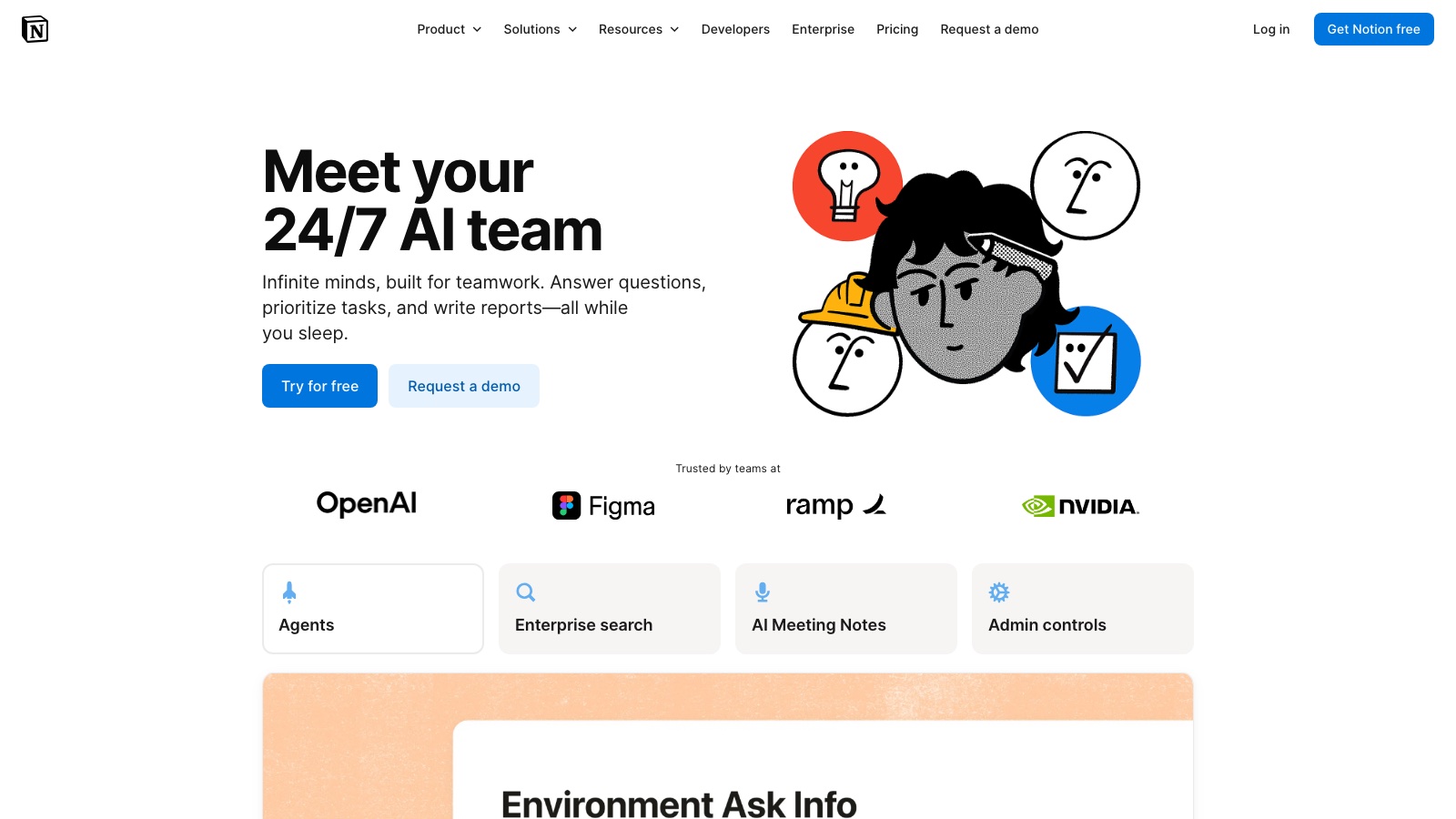
Notion · Workspace AI
Notion AI
AI inside the wiki you already use. It drafts where the work lives, not in another chat.
Official link. There is no affiliate program for this tool yet.
What it actually is
Notion AI writes and summarizes on top of the team’s pages. The value is not «another ChatGPT». It is not copying context somewhere else. If the workspace is a junk drawer, the AI only speeds up the mess.
Use it for notes, first drafts of a page that already has a title and an owner, and for questions about docs the team agreed are source of truth. For a long public piece, take the brief to Claude or ChatGPT.
What it does well
- Draft and summarize inside a page
- Ask the workspace (depending on plan and permissions)
- Autocomplete for blocks and to-do lists
- The usual Notion web, desktop and mobile apps
- Permissions inherited from the page
Pros
- Context already sits on the page
- Less copy-paste between chat and wiki
- Useful for notes and «what we decided»
- The team sees the same doc, not a private thread
Cons
- Prose quality lags Claude or ChatGPT
- A chaotic workspace yields a polite summary of junk
- You pay on top of Notion
- It is not an agent that acts outside Notion
Who it is for
- Teams already living in Notion with owned pages
- Notes, internal FAQs and first drafts of a wiki page
- Questions about workspace docs, not about the open web
Who it is not for
- Anyone without a page system yet (fix structure first)
- External-source research (Perplexity)
- The article or campaign that ships outside the wiki
FAQ
- Does it replace ChatGPT?
- For a paragraph on a page that already exists, often yes. For an external piece or a brief from scratch, ChatGPT or Claude usually give you more control.
- Does it read the whole workspace?
- Only what your permissions allow. Do not assume it can see finance or HR if that page is not shared with you.
Related tutorials
How to write a first useful draft with ChatGPT in 2026
A short method: deliverable, audience, format and constraints. Three variants. You pick. Then you save the prompt.
ChatGPT
How to edit a long piece with Claude without losing the voice (2026)
Do not ask it to «rewrite this». Diagnose, declare the voice, edit by section and flag inventions.
Claude
Notion AI in databases: autofill and per-row summaries (2026)
AI properties, per-row autofill and prompts in filtered views. For anyone who already has a Notion database and wants AI to fill or summarize without leaving the board.
Notion AI
ChatGPT Projects: your first context workflow (2026)
Define the purpose, create the project, set instructions, upload references and work inside the project — not in a chat that forgets the brief every Monday.
ChatGPT
Notion AI: meeting notes you can actually use (2026)
Use Notion AI on the meeting page: decisions, owners, dates and open questions. Delete the invented parts and assign on the same doc.
Notion AI
Claude Projects: your first context workflow (2026)
Define the purpose, create the project, set instructions, upload knowledge and work inside the project — not in a chat that forgets everything.
Claude
Similar alternatives
ChatGPT
Text
The most widely used AI assistant for drafting, thinking and building a first workflow.
Claude
Text
The assistant that holds long pieces together without fully flattening the voice.
Perplexity
Research
Search with a written answer and citations. Use it to brief, not to cite blindly.