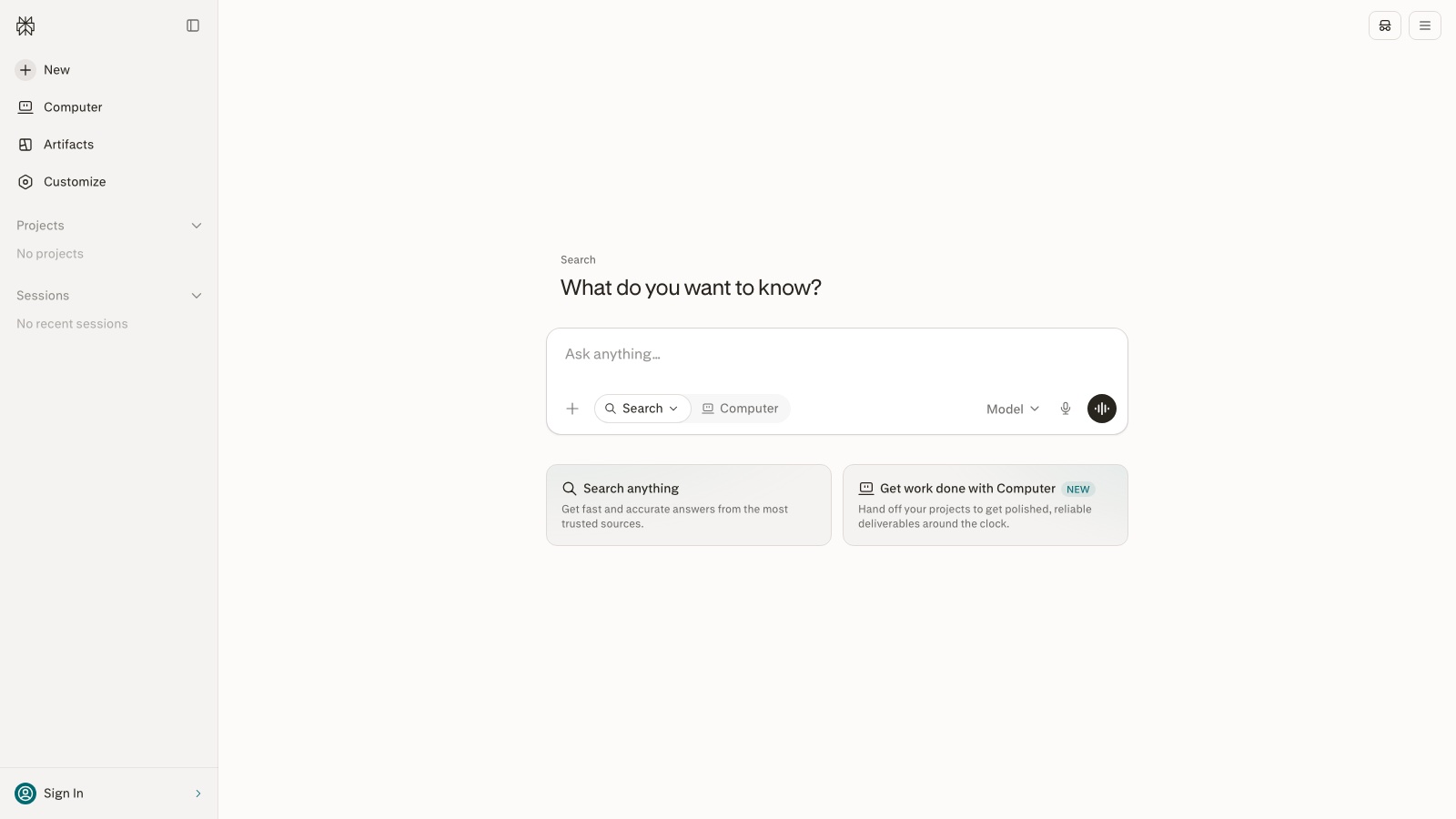
How to research with Perplexity without pasting the summary (2026)
Perplexity is fast. That is an advantage and a risk. This flow forces you to see the sources before you use the text. In 14 minutes you leave with a brief, not a copy-paste.
The problem it solves
Pasting the summary into a report is citing a middleman that sometimes points at another recap. The real work is opening the source, dating it and knowing what is not backed.
What you will learn
- Write an analyst question (date, geography, exclusions)
- Ask for a split between fact, estimate and opinion
- Open two sources and note author and date
- Write the gaps instead of filling them with the model
- Draft the deliverable somewhere else
Before you start
- A perplexity.ai account (the free plan is enough for one round)
- A real work question, not «best AI tools»
- 14 minutes and two tabs to open sources
Steps 1
Write an analyst question, not a topic
Instead of «best AI tool», ask «what criteria did product teams publish in 2025–2026 for choosing an LLM, and which trade-offs do they name». Add geography if it matters and what you do not want (affiliate lists, undated posts).
What you should see: A 2–4 line question in Perplexity’s box, with a year and an exclusion.
Steps 2
Ask for sources and a split of claim types
«Give me 5–7 sources. Split fact, estimate and opinion. Include a date for each link.» Do not ask for the essay yet. You want the map.
What you should see: An answer with numbered citations and, if you asked, type labels.
Steps 3
Open the two sources that matter most
Pick two (report, paper, official doc). Note title, author or institution and date. If you cannot date them, they do not enter the brief. Read enough to know whether Perplexity summarized them fairly.
What you should see: Two tabs open and three fields written down: title, author, date.
Steps 4
Ask what it could not verify and write the brief
«What could you not back with these sources.» That goes into a Gaps section. Final brief: thesis in one sentence, 4–6 cited bullets, gaps, brief date. Do not paste Perplexity’s paragraph into the published deliverable.
What you should see: A one-page note of yours, not a Perplexity export.
Steps 5
Write elsewhere, from your notes
Take the brief to ChatGPT or Claude only for the deliverable’s format (email, one-pager). The facts are already dated. If the model invents a seventh point, it dies on the OK/MADE-UP list from the ChatGPT tutorial.
What you should see: The final text cites the two sources you opened, not «according to Perplexity».
Real use cases
A 20-minute meeting brief
One question, two sources, three gaps. Nobody pastes the chat.
Checking a figure on a deck
You find origin and date. If it does not appear, the figure leaves the deck or is marked as an estimate.
A map of a new topic
It is not the essay. It is the index of what you actually have to read.
Common mistakes
Citing Perplexity
Cite the article or the report. Perplexity is the path.
One source «because it fits»
Bias sneaks in. Two, or the brief says there is only one.
A question with no date
It mixes 2022 with 2026 and looks like a state of the art.
Close
Perplexity speeds up the map. You open the sources, date the brief and write the gaps. The model’s paragraph is not the deliverable.
Next steps
- Use the brief tomorrow in a piece with the ChatGPT method.
- If the piece gets long, edit it with Claude by section.
- Run the flow again with a narrower question, not a wider one.
Free guide
Want the 15-tools guide?
We send it free. We will also ping you when the next guide in this path goes out.
Unsubscribe whenever you want. We do not sell the list.
Part of the path Start with AI from scratch · Productivity with AI