Some links on this page are affiliate links. If you buy through them, we may earn a commission, at no extra cost to you. That does not change the verdict. Read the full disclosure
Anysphere · IDE with agents
Cursor
An IDE with agents that touch the repo. The real work is reviewing the diff.
Official link. There is no affiliate program for this tool yet.
What it actually is
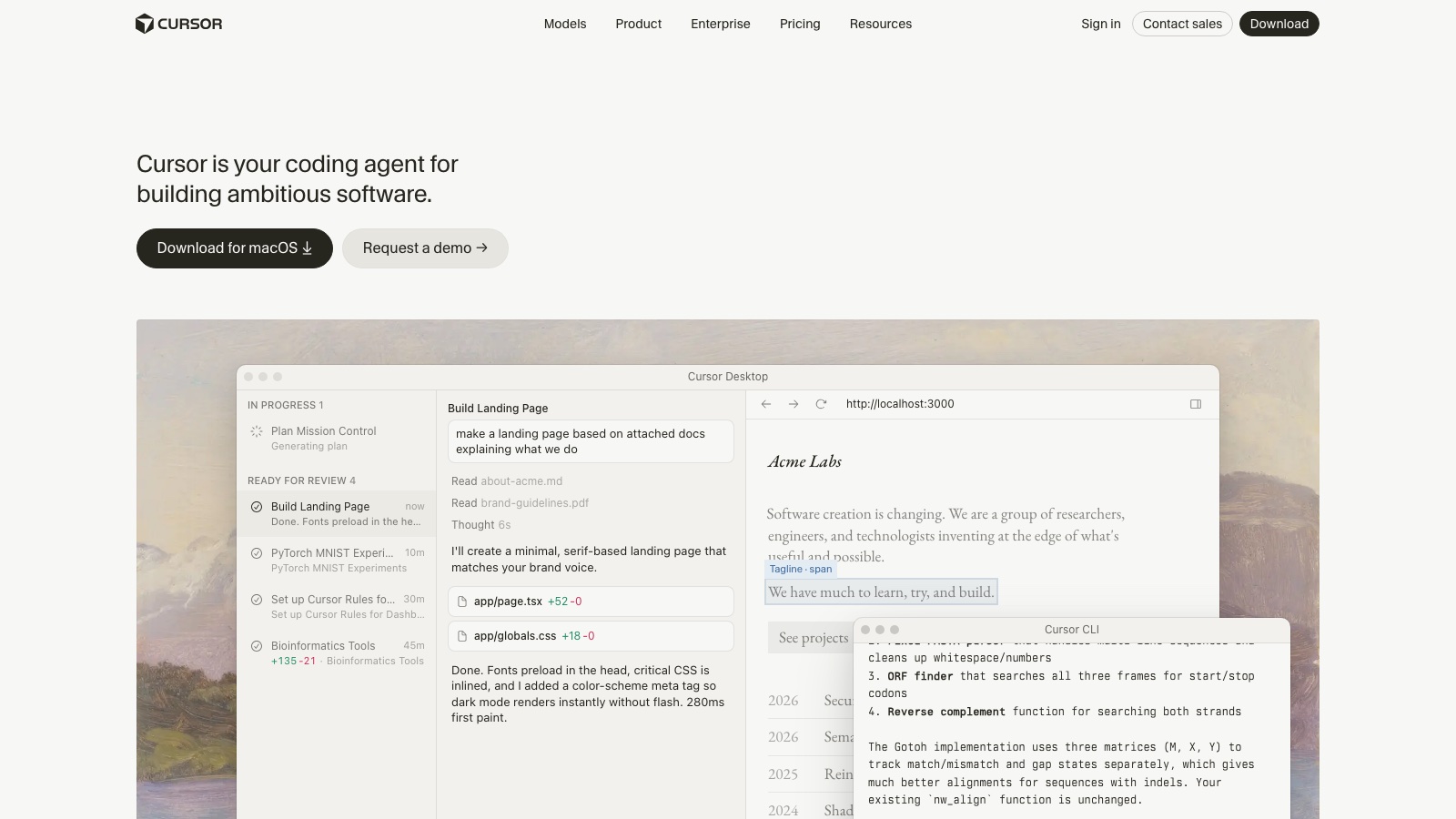
Cursor is a VS Code–based editor with models that read the project and propose edits. It is good at a scoped task, explaining a module or writing tests. It is not an intern you can tell to «fix the app».
The flow that does not break things: one outcome, a scope (which files it may touch), a short plan, and you approve the diff as if it were a PR. If there is no test and you cannot revert, do not delegate the change.
What it does well
- Chat and Agent with repository context
- Edits applied as reviewable diffs
- Project rules / memories
- Swappable models depending on plan
- Desktop on Windows, macOS and Linux
Pros
- Context is the repo, not an empty chat
- The diff is visible and rejectable
- Strong at local refactors and tests
- Project rules (what not to touch) can be written down
Cons
- A vague prompt yields a huge, unreviewable PR
- Paid plans matter if you use the agent every day
- It can «fix» tests by weakening them if you do not look
- It is not a teammate that lives in Gmail or a PDF
Who it is for
- A reproducible bug or a failing test in a repo you already know
- A local refactor across 1–3 files with tests you can run
- Landing in someone else’s repo: Ask questions pinned to files before you edit
- Teams with PR review: the diff is the deliverable, not the chat paragraph
Who it is not for
- Anyone who cannot read a diff or say «this is wrong» when they see it
- «Fix the app» with no branch, no test and no way to revert
- Work that ends in Gmail, a CRM or a PDF — that is Grok Bot or Hermes, not the IDE
- Full architecture rewrites in a single prompt
FAQ
- What is Cursor?
- A VS Code–based IDE (cursor.com) with chat and Agent that read your repository and propose edits as reviewable diffs. It is not a generic chat: the value is the diff you approve or reject, not the sidebar paragraph.
- Does it replace knowing how to code?
- No. It speeds up people who can already say «this is wrong» when they see a diff. If you cannot review, you are pasting code blind.
- Cursor or Grok Bot?
- Cursor is the editor for code on your machine. Grok Bot is a teammate with Agent Computer for work that finishes in web apps (CRM, admin, PDF). If the deliverable is a diff in the repo, stay in Cursor.
- Cursor or Hermes Agent?
- Cursor is the daily IDE. Hermes is a CLI agent on your machine and, later, a gateway. Start with Cursor; add Hermes when you want the same job outside the editor.
- When should I stop and not approve the diff?
- Stop if it touches more than ~40 lines unasked, edits files outside scope, passes tests by weakening assertions, or you do not understand a line. Revert and shrink scope.
Related tutorials
Cursor Cloud Agent: your first PR from the cloud (2026)
Delegate a scoped change on a Cursor VM: the agent clones your repo, works on a branch and opens a real PR. You review the diff on GitHub, not the chat paragraph.
Cursor
How to use Cursor on an existing repo (2026)
Do not start with «fix the app». Open the repo, map it in Ask and make a small change on a branch using the project’s own tests.
Cursor
How to hand a change to Cursor without losing control (2026)
The agent touches the repo. You scope the files, demand a plan and review the diff as if it were a junior’s PR.
Cursor
How to get Hermes Agent actually answering (2026)
Install Hermes, pick a model and verify a tool-using chat before you add Telegram or cron.
Hermes Agent
Cursor: debug errors with the agent (2026)
Do not ask «fix the error». Reproduce, paste the stack trace, rank hypotheses without touching code, then a scoped patch on a branch with a test that fails then passes.
Cursor
Cursor: project rules (.cursor/rules) (2026)
Stop repeating «use pnpm» every chat. One Always rule, one globs rule for your components folder and a manual release checklist — in git, not in someone’s head.
Cursor
Grok Bot: first scheduled routine (2026)
After your first teammate, automate a job that already works by hand. Human-hour cron, the right Bot and deliverable review.
Grok Bot
Grok Bot: second teammate (2026)
Second Bot, different job, same cloud machine. Close sessions, do not copy routines and keep risks separate.
Grok Bot
How to create your first Grok Bot teammate (2026)
Install the app, create a Bot with one job, and hand off work that finishes in real apps.
Grok Bot
Hermes Agent: second flow with gateway (2026)
Day two: doctor, Telegram gateway, a remote message that uses tools, tightened permissions, and diagnosis if something breaks.
Hermes Agent
Similar alternatives
Hermes Agent
Code
Nous Research’s CLI agent on your machine. The software is free; you pay for the model.
Grok Bot
Productivity
A named teammate with memory and a cloud computer. It is not the Grok chat.
ChatGPT
Text
The most widely used AI assistant for drafting, thinking and building a first workflow.