Some links on this page are affiliate links. If you buy through them, we may earn a commission, at no extra cost to you. That does not change the verdict. Read the full disclosure
Runway · Generative video
Runway
Short clips and motion prototypes. Use it once the still already works.
Official link. There is no affiliate program for this tool yet.
What it actually is
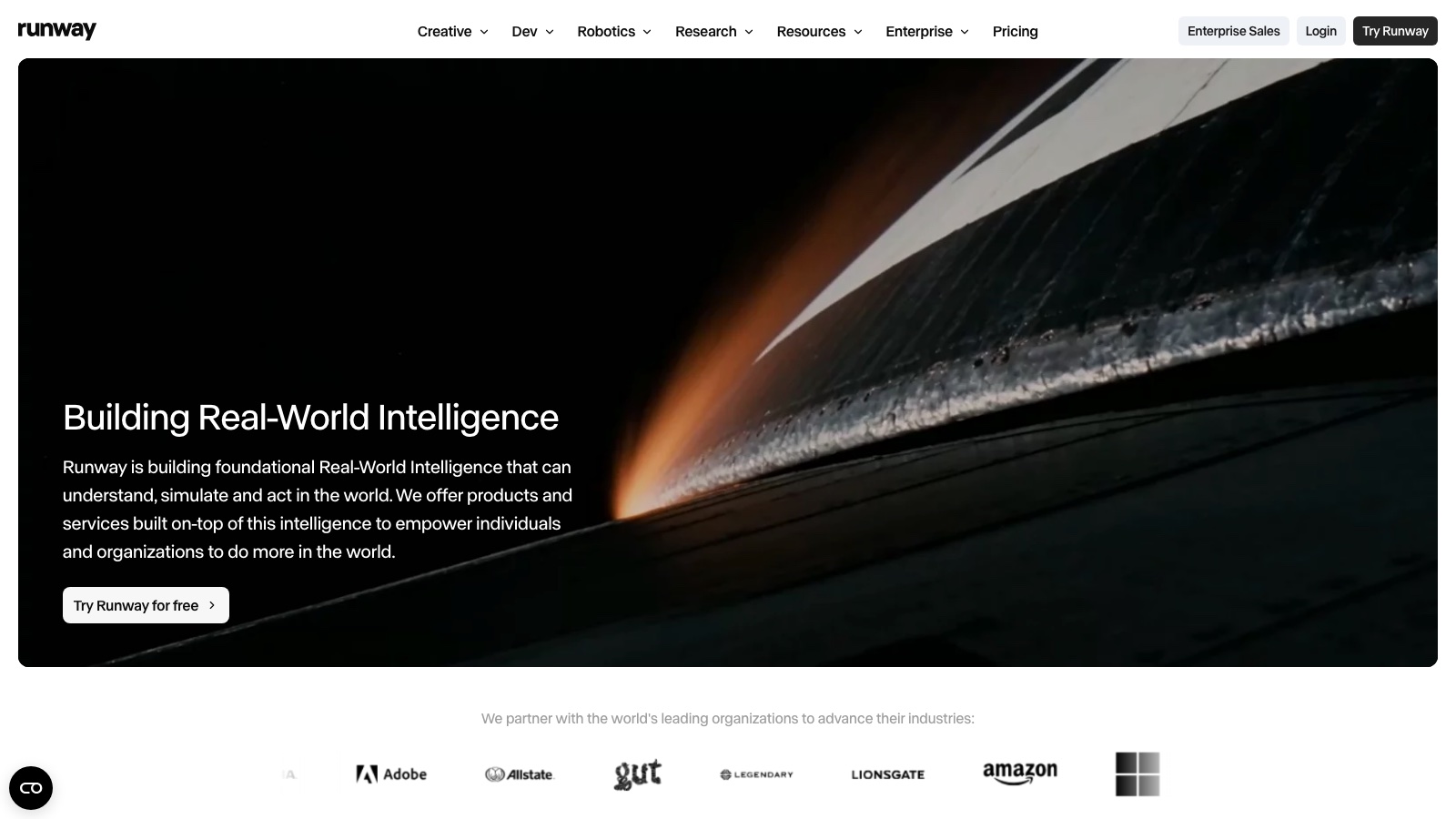
Runway generates and edits short video in the browser. It is a prototype tool: one gesture, one push-in, one product turn. It is not a substitute for an editor or a shoot.
The flow that does not burn credits: a directed still (often Midjourney) → one action → one camera → review. If the base frame is weak, video only multiplies the problem.
What it does well
- Text-to-video and image-to-video
- Short clips in the browser
- Edit / motion tools depending on plan
- Export capped by credits and resolution
Pros
- Still to clip in minutes
- Useful for prototyping motion
- Web, no suite to install
- Fits after Midjourney, not instead of it
Cons
- Credits get expensive if you test blind
- Physics, hands and on-screen type still fail
- A «wow» clip is not a campaign deliverable
- You depend on the queue and this month’s model
Who it is for
- 4–8 second prototypes for a pitch or an internal ad
- Adding motion to a still that is already directed
- Exploring camera and gesture before an expensive shoot
Who it is not for
- A sharp 60-second film for a final client with no post
- Anyone who cannot describe a shot yet (start in Midjourney)
- Professional finishing of a master (use an NLE)
FAQ
- Do I start here or in Midjourney?
- In Midjourney (or a real photo) if the shot does not exist yet. Runway does not fix a weak frame; it animates it.
Related tutorials
Runway: your first 5-second clip (2026)
Image-to-video with a directed still. Motion prompt, Gen-4 Turbo for tests, 5 seconds. Keep the gesture, not the noise.
Runway
How to direct a Midjourney image in 2026 (no magic prompts)
Drop «cinematic ultra realistic masterpiece». Describe the shot, lock --ar and change one variable per iteration.
Midjourney
ElevenLabs: your first 30–60 second voiceover (2026)
Text-to-speech with a short script. Library voice, expressive or stable model, 2–3 takes. Rewrite before burning credits. MP3 over the real clip.
ElevenLabs
CapCut: subtitles and AI B-roll (2026)
Vertical talking head: generate captions, fix ASR, style them and drop stock B-roll or an imported AI MP4 where the script needs it.
CapCut
Kling: your first clip from a still (2026)
Image-to-video with a directed still. Motion prompt, short duration, fast mode for tests. Keep the gesture that reads.
Kling AI
Suno: variations and stems (2026)
You already have a first track. Learn to vary it without burning credits on empty Create, when to use Extend or Remix, and how to export stems if your plan allows.
Suno
Midjourney alternatives: when to try Runway or ChatGPT (2026)
Same brief in three catalog tools. Choose by deliverable type — not headlines — and save a personal rule for when to open each one.
Midjourney
Suno: your first 30–90 second track (2026)
Song generation with a concrete prompt. Simple or Custom, two versions, pick the one that fits. Download MP3 and test it over a clip.
Suno
Similar alternatives
Midjourney
Image
An image engine for directing a shot. It is not a «make it pretty» button.
ChatGPT
Text
The most widely used AI assistant for drafting, thinking and building a first workflow.
CapCut
Video
Video editor with auto captions, stock library and AI clips. Built for vertical shorts with subtitles and visual cutaways.