Some links on this page are affiliate links. If you buy through them, we may earn a commission, at no extra cost to you. That does not change the verdict. Read the full disclosure
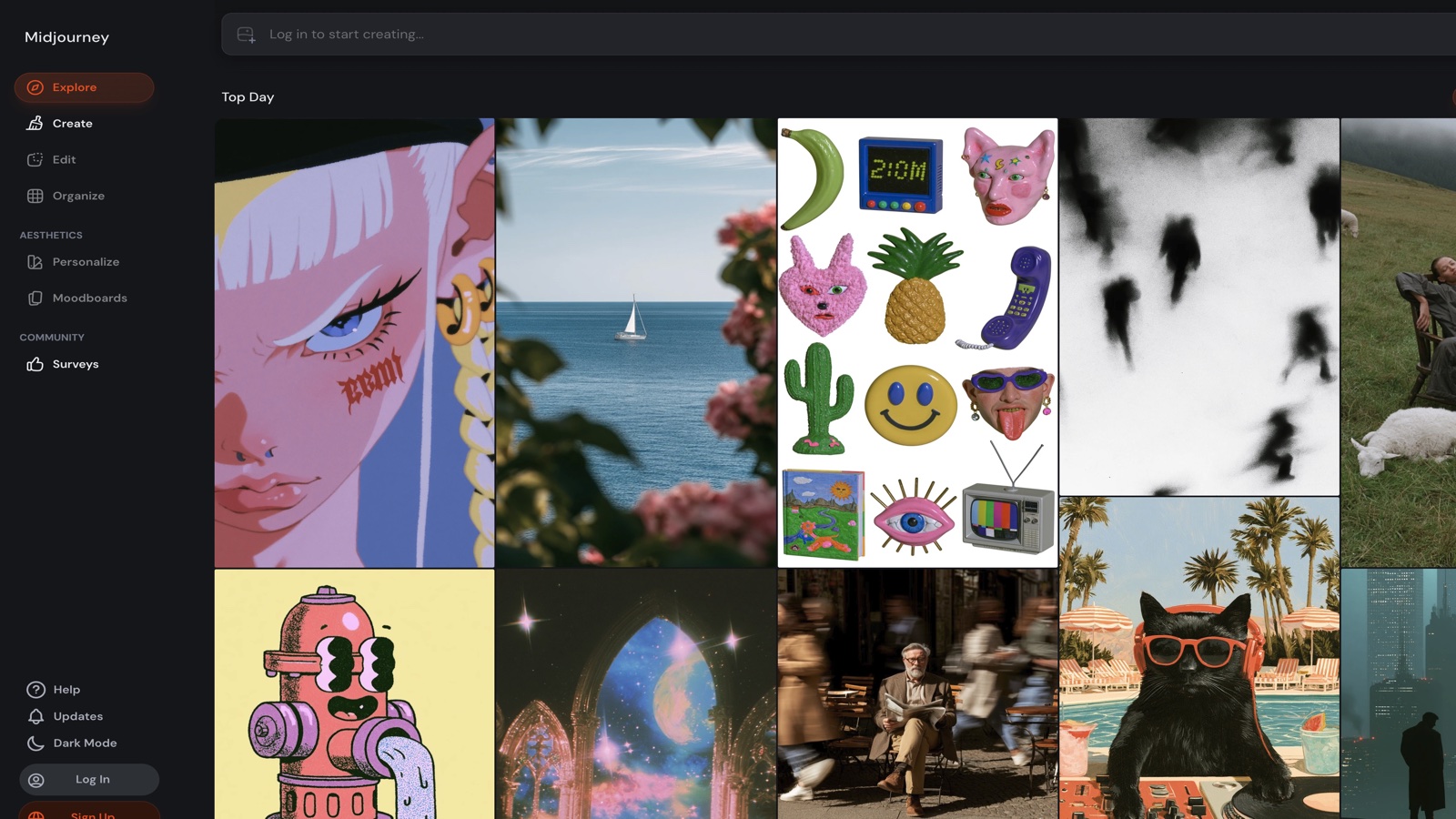
Midjourney · Image generation
Midjourney
An image engine for directing a shot. It is not a «make it pretty» button.
Official link. There is no affiliate program for this tool yet.
What it actually is
Midjourney generates stills from a prompt. The quality jump is not in stacking adjectives («cinematic, ultra realistic, masterpiece»). It is in deciding subject, camera, light and what must stay out of the frame.
There is a web app and Discord. The parameters that actually change the result are few: aspect ratio, stylize, and references (--sref / image) once you have a direction. Runway comes later, when the still already works and you want motion.
What it does well
- Still generation on web and Discord
- Parameters: --ar, --stylize, --sref / image prompts
- Variations, remix, inpaint / regional editor
- Moodboards and saved styles on the web
- Fast and relax modes depending on plan
Pros
- Very high still quality when the shot is thought through
- Real control via aspect ratio, stylize and references
- Fast for a 12–20 image moodboard
- Vary and remix to iterate without rewriting everything
Cons
- Paid; vague tests burn minutes
- Type, hands and UI layouts are still weak
- The default look slides toward generic pretty if you do not restrain it
- Commercial rights depend on your plan and on the references you upload
Who it is for
- Art direction, moodboards and campaign concepts
- People who can describe a shot — or are willing to learn
- Exploring a style with references, not a «perfect» photo on the first try
Who it is not for
- Logos, sharp poster type or pixel-perfect UI layouts
- Images of real people without consent, or of other people’s brands
- Anyone who needs a non-destructive Photoshop-style editor as step one
FAQ
- Do I still need Discord?
- No longer required: the web app covers the main flow. Discord still helps if your team already works there.
- Can I use it in a client ad?
- Read the terms of your plan and check the references you uploaded. A pretty still does not clear brand, likeness or someone else’s style.
Related tutorials
How to direct a Midjourney image in 2026 (no magic prompts)
Drop «cinematic ultra realistic masterpiece». Describe the shot, lock --ar and change one variable per iteration.
Midjourney
Runway: your first 5-second clip (2026)
Image-to-video with a directed still. Motion prompt, Gen-4 Turbo for tests, 5 seconds. Keep the gesture, not the noise.
Runway
Midjourney alternatives: when to try Runway or ChatGPT (2026)
Same brief in three catalog tools. Choose by deliverable type — not headlines — and save a personal rule for when to open each one.
Midjourney
Leonardo AI: your first image workflow (2026)
An exportable still in one session: fixed format, subject-and-light prompt, pick a direction, upscale the keeper.
Leonardo AI
Kling: your first clip from a still (2026)
Image-to-video with a directed still. Motion prompt, short duration, fast mode for tests. Keep the gesture that reads.
Kling AI
Midjourney: variations vs upscale (when to use each)
Variations explore; upscale delivers resolution. Do not upscale a shot you are not happy with yet. This flow teaches the right sequence.
Midjourney
Midjourney: style with --sref (Style Reference)
Style Reference copies the look (color, texture, light), not the subject. Repeatable flow: good ref → concrete shot → grid ready to vary or upscale.
Midjourney
Similar alternatives
Runway
Video
Short clips and motion prototypes. Use it once the still already works.
ChatGPT
Text
The most widely used AI assistant for drafting, thinking and building a first workflow.
Leonardo AI
Image
Web image generation with multiple models, presets and built-in upscale. A solid first engine if you want an all-in-one UI.